Try: water, woda, how to cure infection, motocykl
Show more results →
Building blocks and shapes
Browse the entries below to read their descriptions, uses and requirements.
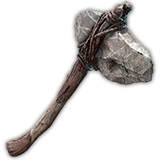
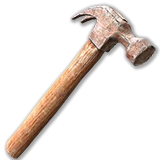
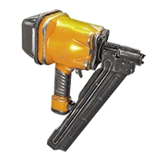
Start with a frame to plan the building. It can be picked up before upgrading. Wood, cobblestone, concrete and steel are the next material stages. Each family includes a cube and many other shapes. Choose Shapes before placing the block; hold R on PC by default. Use Advanced Rotation to turn it on different axes. Upgrade with a stone axe, claw hammer or nailgun and the required material in your inventory.
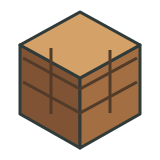
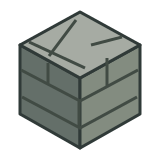
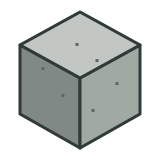

| Blocks | HP | Upgrade to |
|---|---|---|
| Frame Shapes | 100 | Wood Block · 8 × Wood |
| Wood Block | 500 | Cobblestone Block · 10 × Cobblestone Rocks |
| Cobblestone Block | 1500 | Concrete Block · 10 × Concrete Mix |
| Concrete Block | 5000 | Steel Block · 10 × Forged Steel |
| Steel Block | 10000 | - |
Upgrading keeps the chosen shape. A different shape does not turn wood into concrete. After upgrading a frame, it cannot normally be picked up like an unupgraded frame. Structural stability still matters; even a steel block needs adequate support.